Habit Dial
Small habits.
Clear progress.
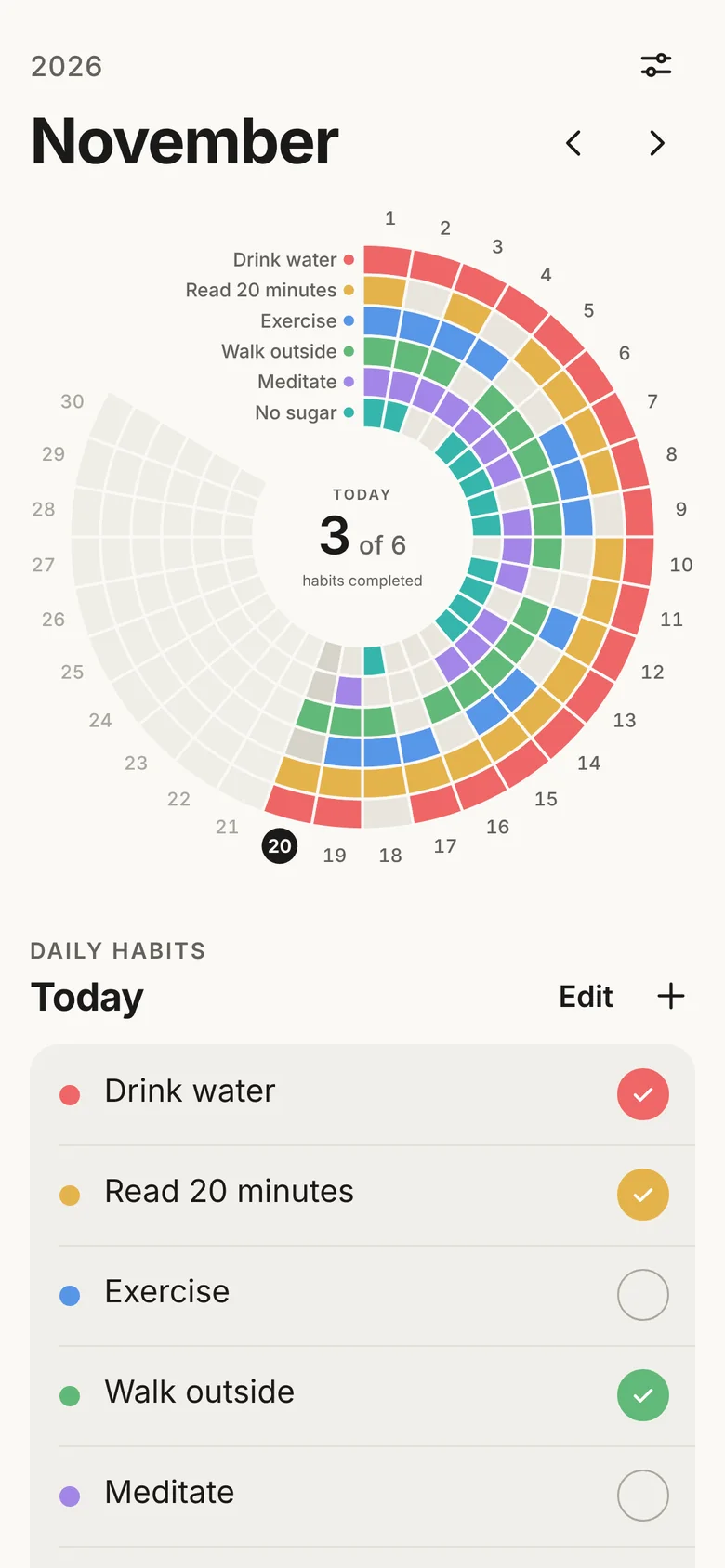
Habit Dial turns each month into a single dial. Every habit is a ring, every day is a segment, and a glance shows how the month is going. It works offline, with nothing to sign up for.
- AndroidComing soon
A closer look.
The dial
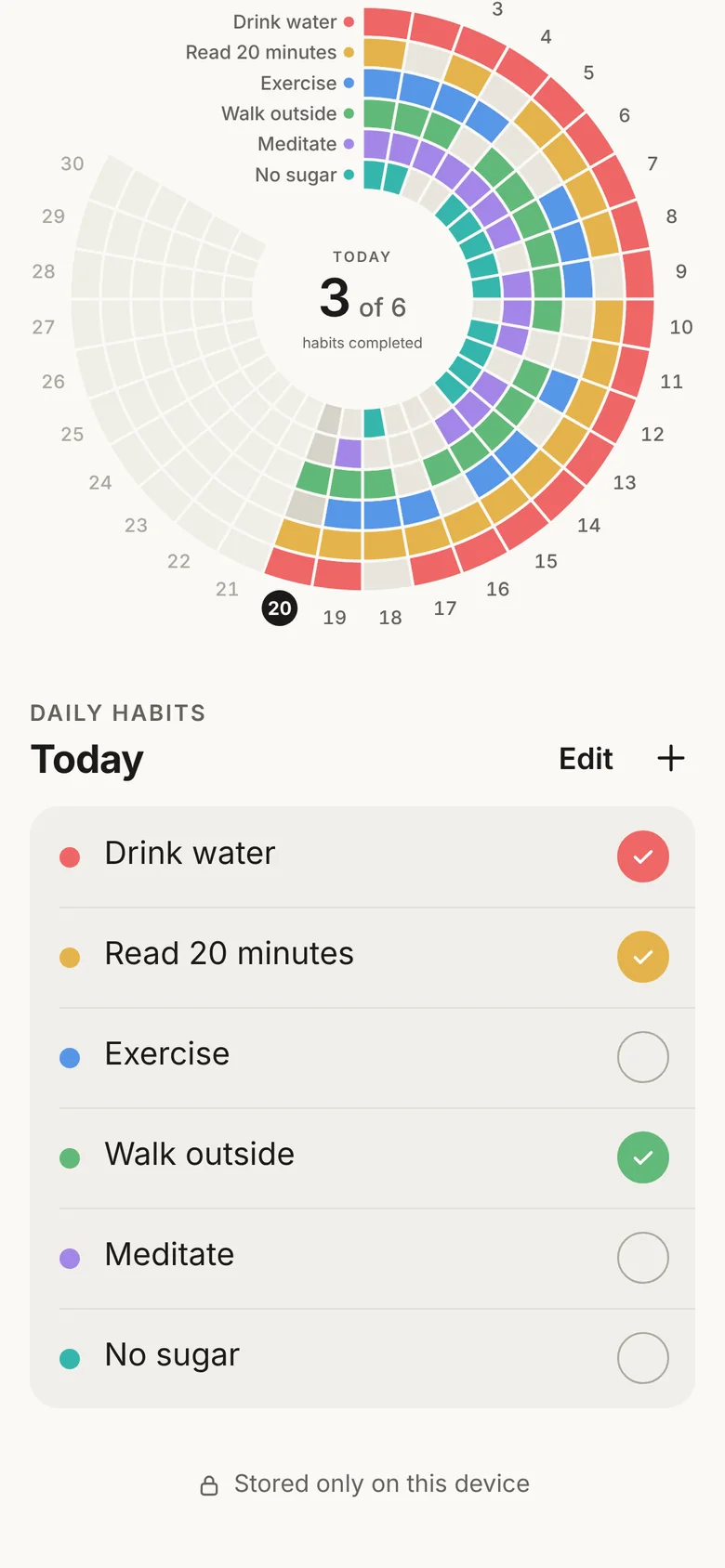
Today
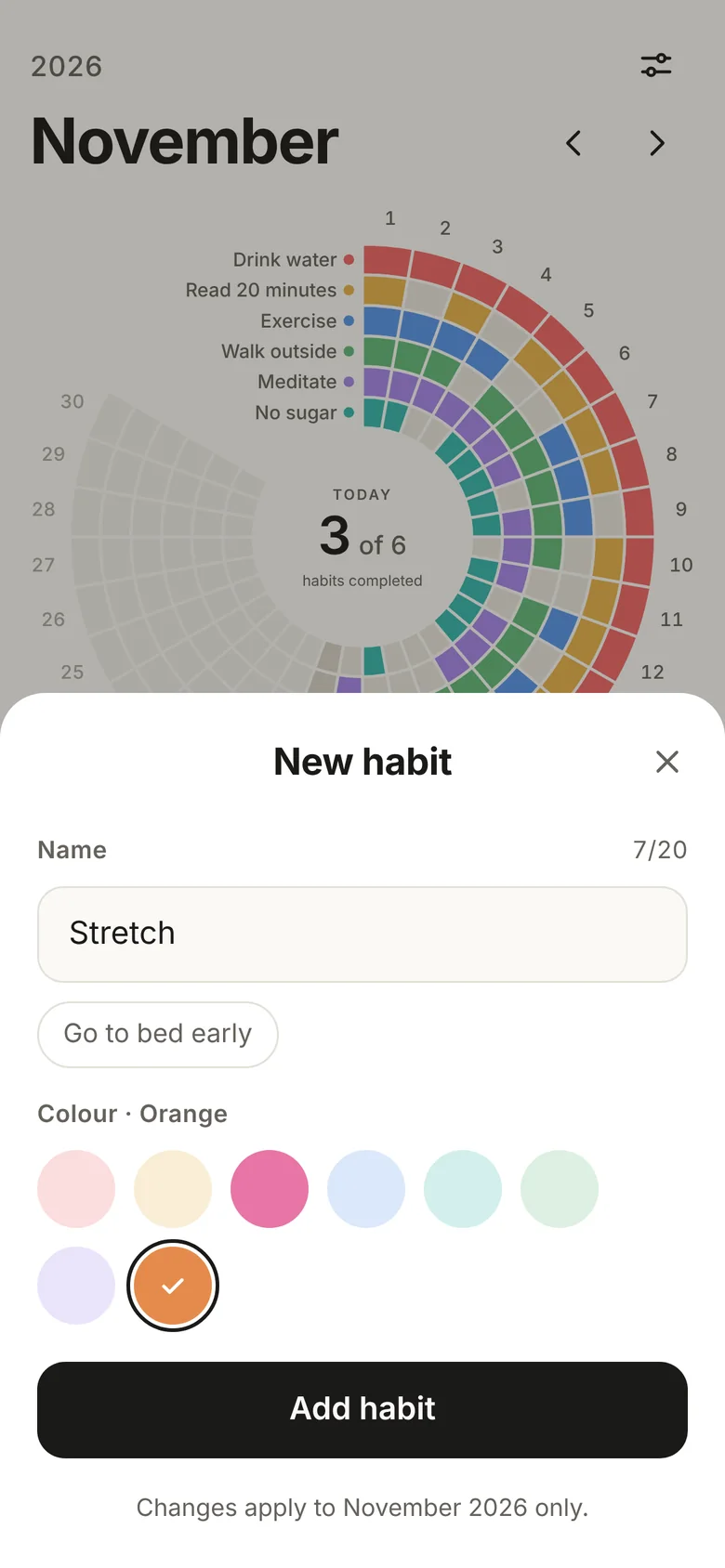
New habit
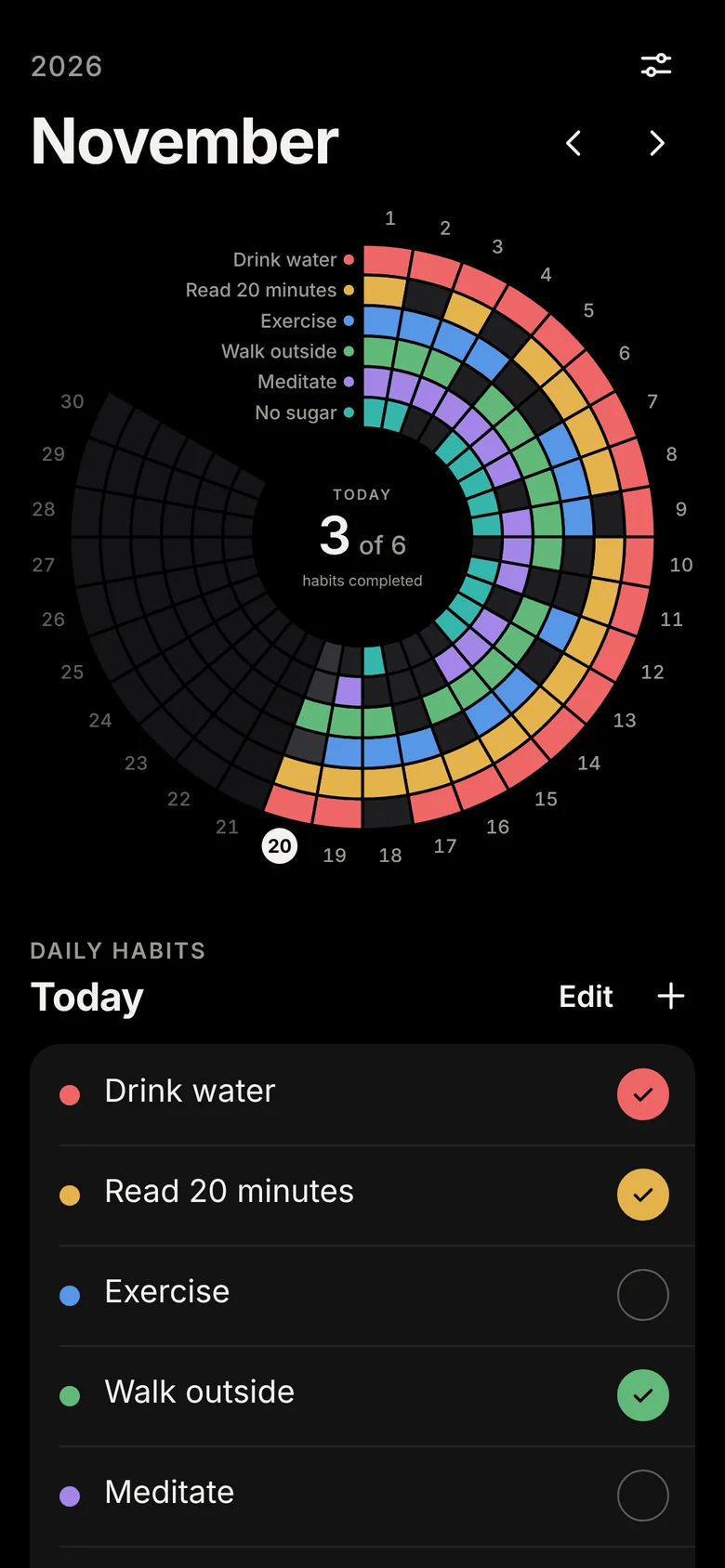
The dial · Dark
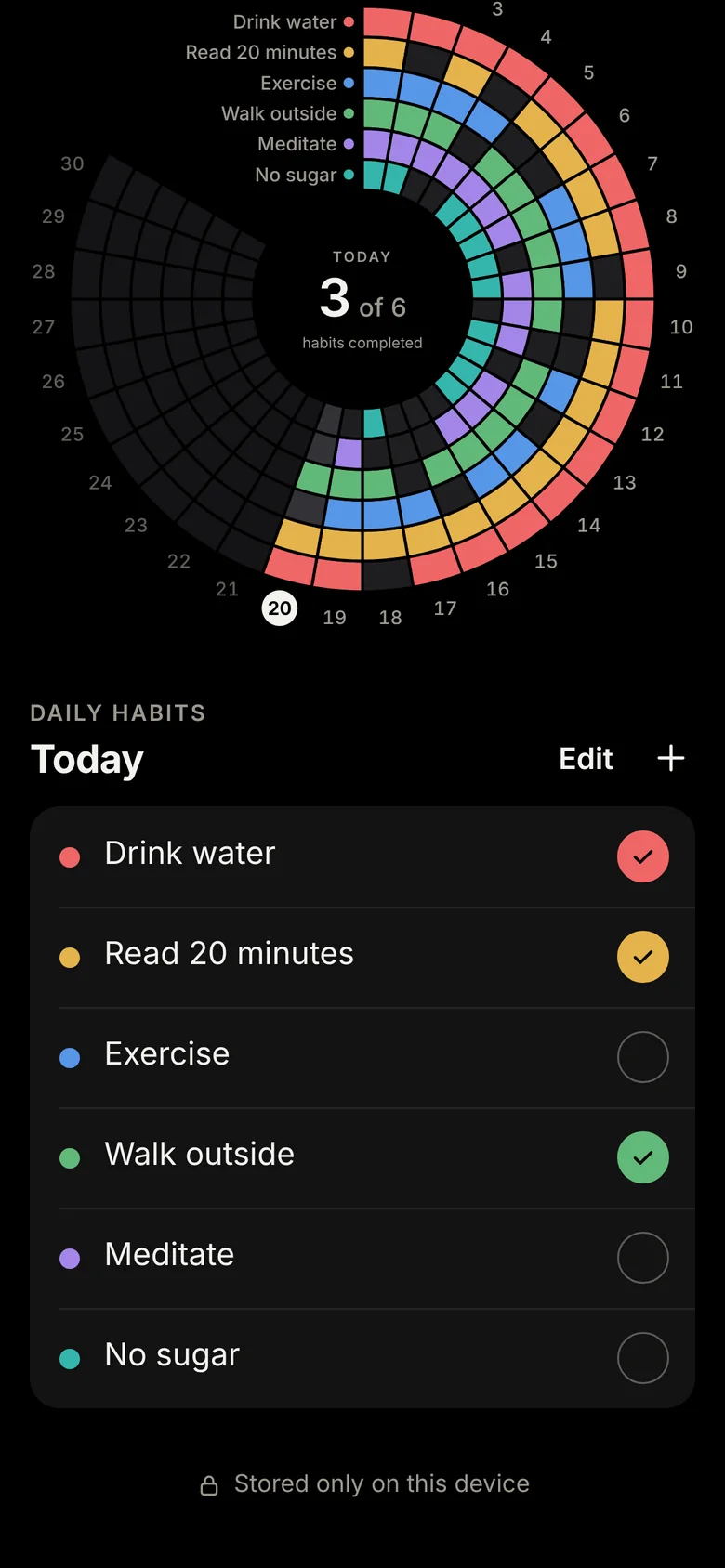
Today · Dark
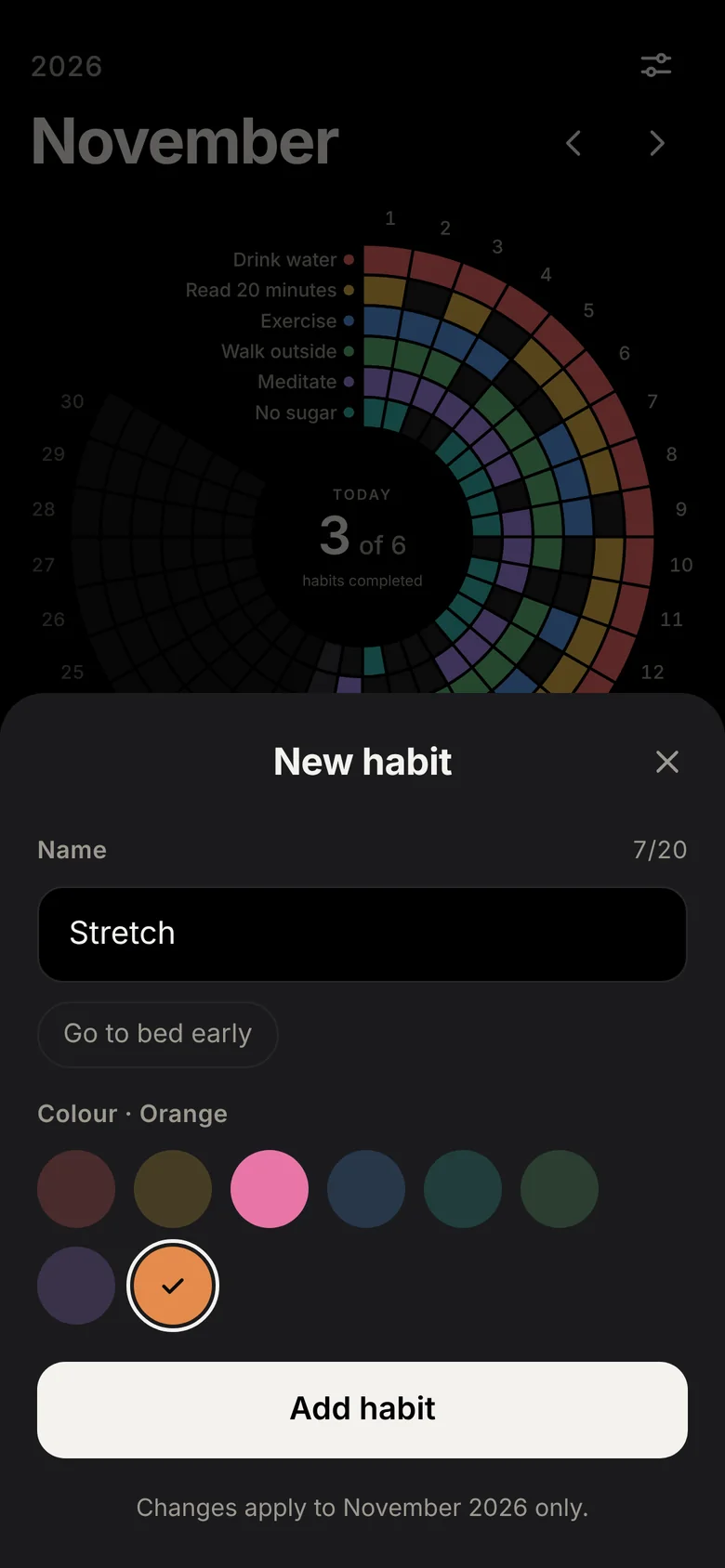
New habit · Dark
Screens show example data. Light and dark follow your phone's setting.
How it works
Step 1
Set up your habits
Add up to eight daily habits for the month and give each one a colour. Each habit becomes a ring on the dial.
Step 2
Mark today's progress
Tap a habit when you've done it. The matching segment on the dial fills in straight away.
Step 3
See the month at a glance
The dial shows every day of the month, so streaks and gaps are easy to spot without charts or scores.
Thoughtful details.
Light and dark
Follows your phone's appearance, or choose one yourself.
Optional App Lock
A 4- or 6-digit PIN, with fingerprint or face unlock.
Backups you keep
Create a backup file yourself and restore it when you need to.
Privacy
Private by design.
No account, no server, no cloud sync, no adverts and no analytics. Your habits are stored only on your phone, encrypted, and Android's cloud backup is turned off for the app.
Read the privacy policyAvailability.
Free to download, with a three-day trial of all eight habits. One habit stays free forever; a one-time lifetime unlock adds all eight. No subscription.
Android
Coming to Google Play
Coming soon to Google Play